
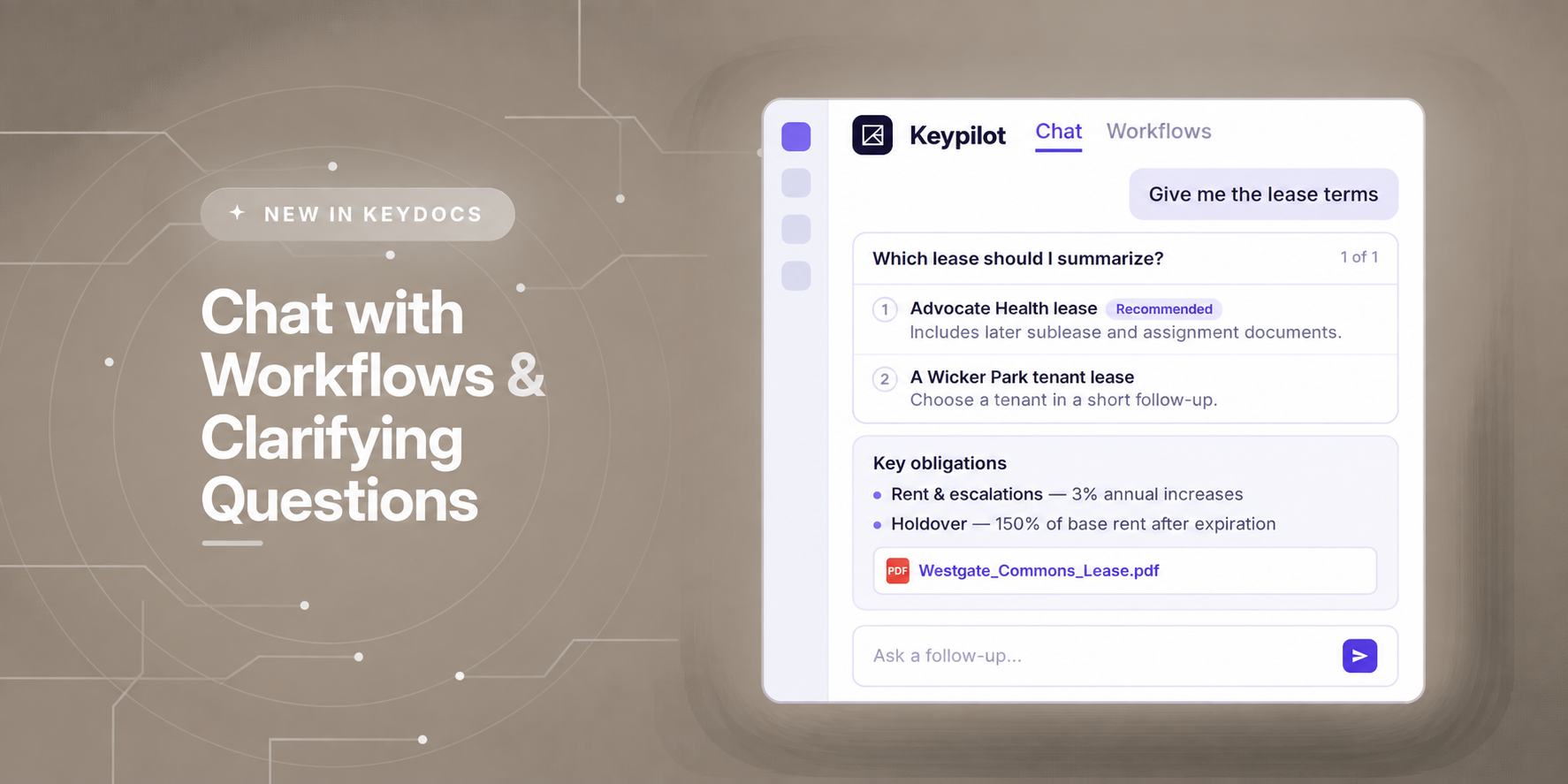
A completed document workflow rarely ends the work.
A lease has been abstracted, but someone still needs to understand which operating expense exclusions deserve a closer look. A financial statement has been analyzed, but the team wants to know where a particular figure came from. Two documents have been compared, and now an analyst needs to understand which differences actually matter.
The information has already been extracted. The challenge is turning it into the next decision.
Two new KeyDocs capabilities make that next step easier. Chat with Workflows lets users continue the analysis by opening a Keypilot conversation directly alongside a completed KeyDocs workflow. Clarifying Questions allows Keypilot to ask for missing context before proceeding.
Together, they keep the analysis connected to the work that has already been done.
Consider a completed lease abstraction.
The workflow has already extracted the relevant fields, but an analyst reviewing it notices several expense provisions and wants to understand them more closely. Instead of reopening the lease and searching through the document, the analyst can open Chat with Workflows and ask: “Which operating expense exclusions appear in this lease?”.
Keypilot uses the workflow results and supporting documents to provide a focused answer in context. When users want to validate a detail, they can go directly to the relevant source in the document. From there, the conversation can continue.
The analyst might ask which fields deserve additional examination, investigate a specific clause, or use what they find to determine what needs review next.
The completed workflow becomes a place to continue the analysis rather than a static output that has to be interpreted separately.
Follow-up questions aren't the only place where context matters.
Sometimes the original request itself doesn't contain enough information.
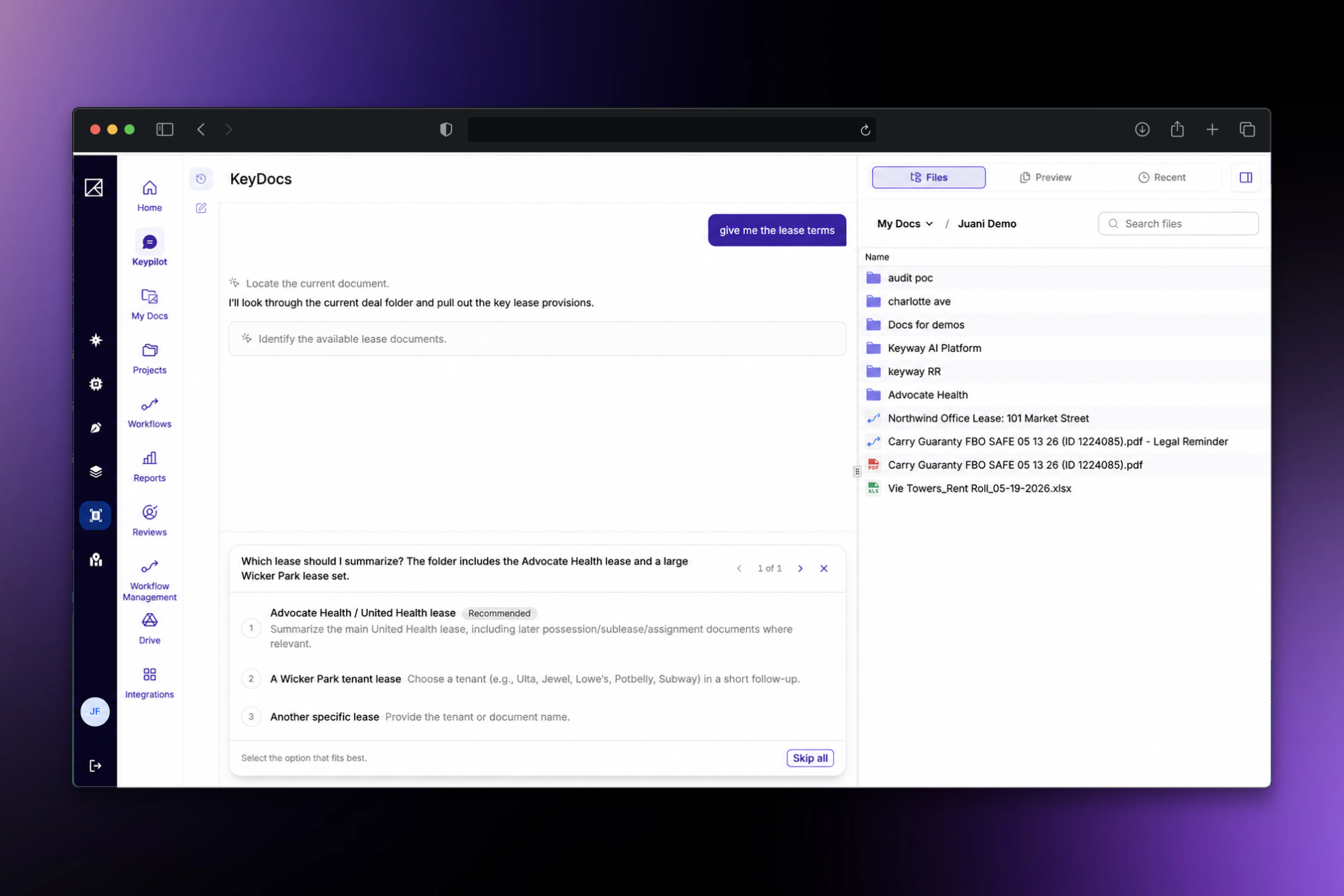
“Summarize the obligations” may sound straightforward—until the folder contains five different leases.
In that situation, Keypilot can present a structured clarifying question before proceeding. Rather than selecting a document or scope on the user's behalf, it provides clear options to choose from, along with an Other option for additional context.
Once the user provides the missing information, Keypilot can continue with the intended scope.
By reducing uncertainty at the outset, teams can avoid unnecessary back-and-forth and spend more time reviewing the analysis itself.
Keypilot is also available directly inside Microsoft Teams, bringing Keyway intelligence into the conversations where teams collaborate.
Read: The Best AI Assistant Is the One You Never Have to Open
KeyDocs turns complex commercial real estate documents into structured, source-connected information. Chat with Workflows and Clarifying Questions keep the source, analysis, and next question connected, so teams can spend less time reconstructing context and more time applying judgment.
See how KeyDocs turns complex CRE documents into source-backed analysis your team can act on.