
Commercial real estate teams don't spend their day inside a single application.
They move between Microsoft Teams, email, spreadsheets, lease documents, CRMs, shared drives, and countless conversations happening across the business.
The challenge isn't simply accessing information, but rather switching between tools to find it.Every context switch slows people down, a new application creates another login, another tab, another workflow to learn.
That's why we believe the future of AI isn't another destination. It's meeting teams where they already work.
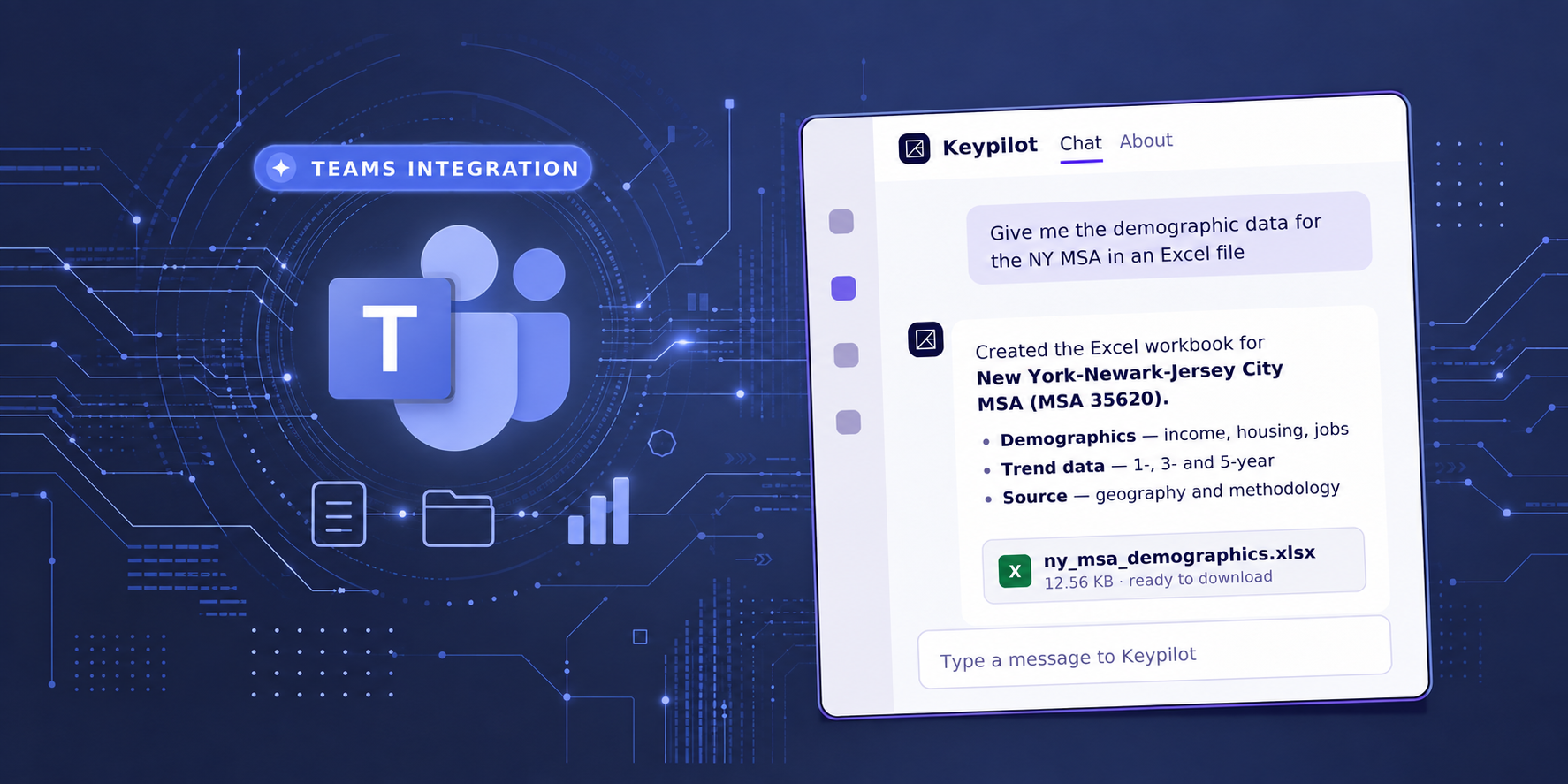
With our latest release, Keypilot is now available directly inside Microsoft Teams, allowing users to access Keyway's intelligence without ever leaving the conversations they're already having.
One of the biggest misconceptions about enterprise AI is that adoption requires changing how people work.
The most successful AI tools become part of existing workflows instead of asking organizations to build entirely new ones. And that's exactly how Keypilot was designed.
Instead of opening another application, users can simply message Keypilot inside Microsoft Teams and ask questions about their documents, properties, leases, or portfolios using natural language.
The experience feels like another conversation with a teammate—except every answer is grounded in your firm's own information.
Enterprise AI only works when organizations can trust it.
The first time someone messages Keypilot in Teams, they're prompted to sign in using their Keyway account. From that point forward, every request runs using their existing permissions.
Users only see the documents, properties, and information they're already authorized to access.
Nothing changes about your organization's security model; Keypilot simply brings that access into Microsoft Teams.
.png)
Work rarely happens in isolated questions.
An analyst asks a question, a manager follows up, someone requests another format, a report evolves over several conversations…
That's why Keypilot preserves context across chats, allowing users to ask natural follow-up questions without starting over every time.
Need a fresh start?
Restart the conversation with a single command while keeping your account connected.
Teams don't just work in direct messages.
They collaborate in channels and group chats.
By simply @mentioning Keypilot, users can bring AI into ongoing discussions without leaving Microsoft Teams.
Every participant maintains their own private conversation with the assistant. Permissions, conversation history, and document access remain completely separate, ensuring that responses always reflect the individual user's access rights.
Commercial real estate revolves around documents. Offering memorandums, rent rolls, leases, financial statements, appraisals, and so much more.
Instead of downloading files, uploading them somewhere else, and waiting for results, users can simply attach documents directly in Microsoft Teams.
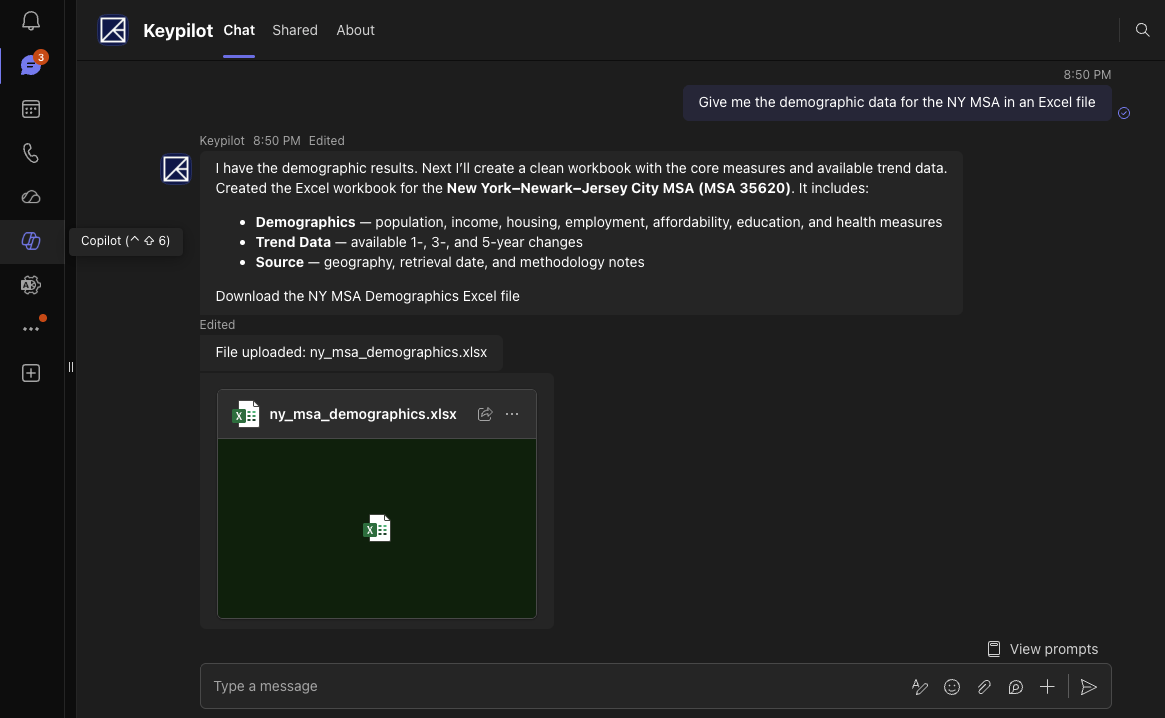
Keypilot ingests the files, analyzes them, and continues working entirely inside the chat. It can even generate files and send them back into Teams after receiving user confirmation. When responses reference Keydocs documents, they're returned as secure links that respect the user's existing permissions.
Some AI tasks take longer than others.
Instead of leaving users wondering whether something is happening behind the scenes, Keypilot streams live progress directly inside the conversation.
Users can see the assistant working in real time, making long-running tasks feel transparent instead of opaque.
The next generation of enterprise AI won't be defined by the number of features it offers. It will be defined by how naturally it fits into the way organizations already operate.
At Keyway, we've always believed AI should remove friction—not create more of it.
Bringing Keypilot into Microsoft Teams is another step toward that vision: giving commercial real estate teams instant access to their firm's knowledge, without asking them to leave the tools they already rely on every day.